 Empty Basket
Sharing and the Subscription
Sharing your pantry with your household, what it costs, and who pays.
What sharing does
A shared pantry is one pantry kept by everyone in the household. Whoever runs out of something marks it. Whoever's at the store sees it, as it happens. Meals, the plan and shopping lists are shared the same way, and everyone can change them.
Notifications keep everyone in step: a new list, something urgent, a meal planned. Each person chooses which ones they get in Settings → Notifications.
What it costs
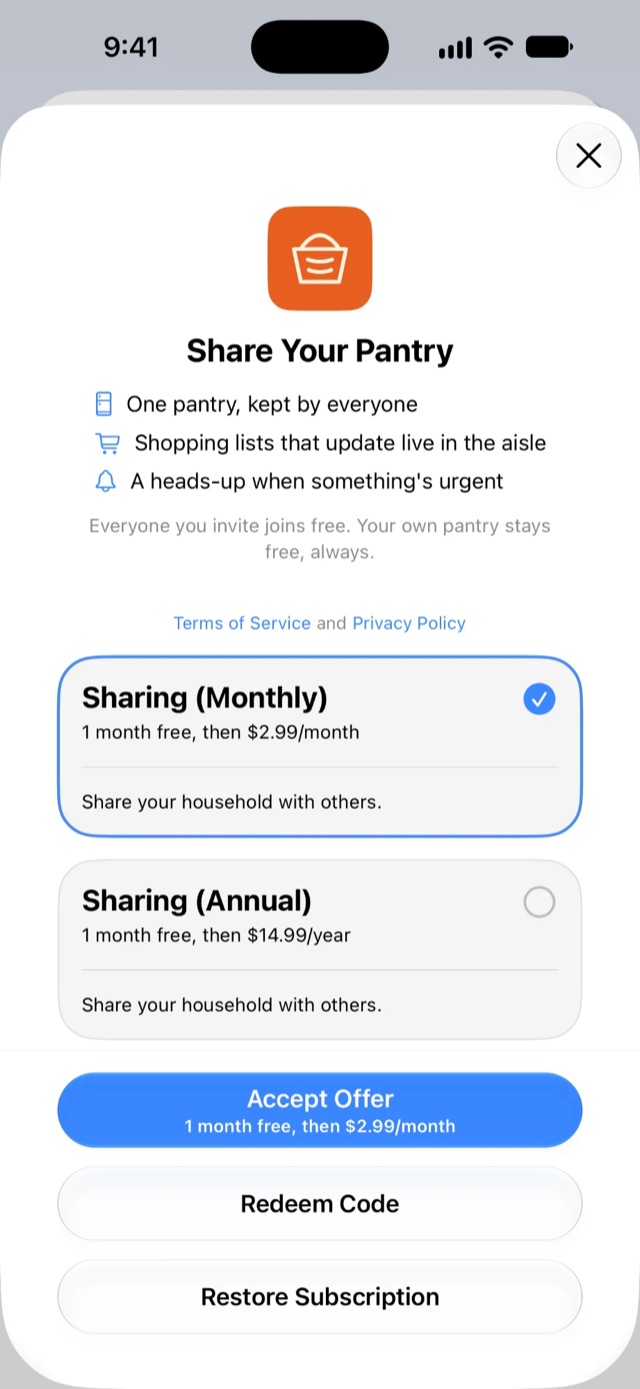
Using Empty Basket on your own is free, with nothing held back. Sharing costs $2.99 a month or $14.99 a year, after a free month.
Only the person who shares their pantry pays. Everyone they invite joins free. The subscription is through the App Store and works with Family Sharing.
Sharing your pantry
- Open Settings, from the ⋯ menu on any tab.
- In Account, under Household, tap Generate Invite Code.
- The first time, you're asked to subscribe. Once you have, the code appears.
- Tap Share Code… to send it, or read it out.
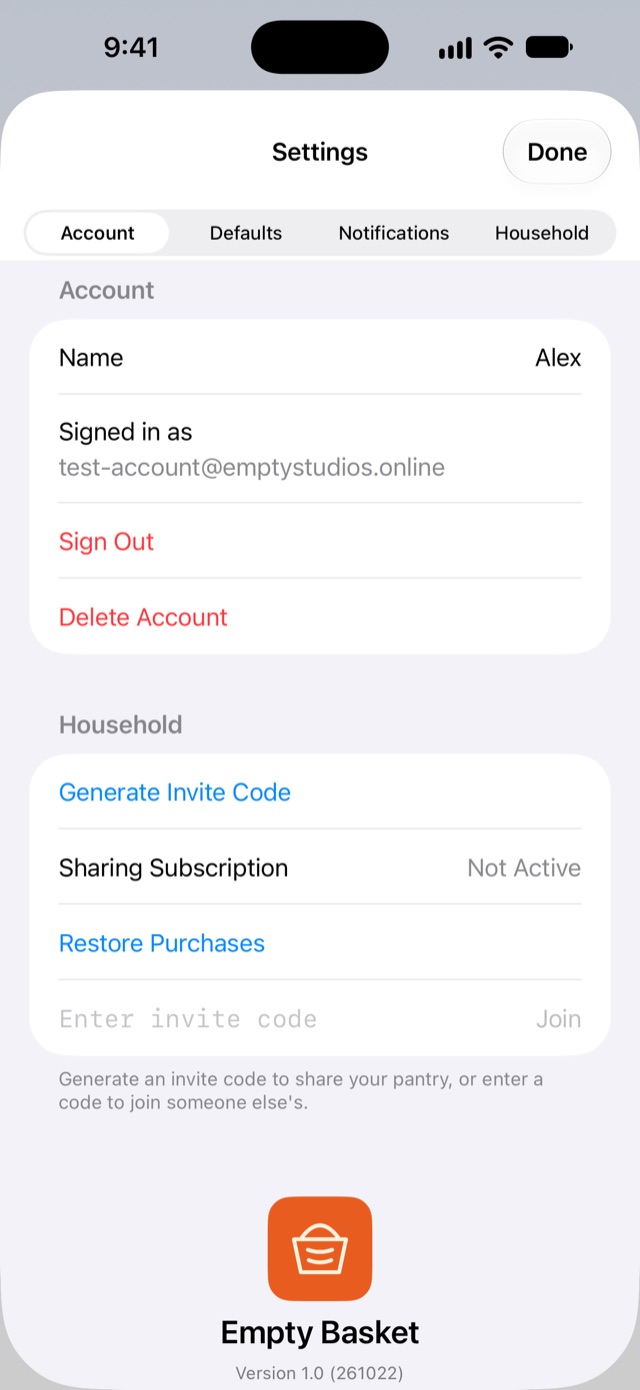
Each code works once. Generate a new one for each person you invite.
Your subscription's status is under Sharing Subscription in the same section. Manage Subscription changes or cancels it, and Restore Purchases finds it again on a new iPhone.
Joining someone's pantry
- Open Settings → Account.
- Under Household, enter the code you were sent and tap Join.
- Confirm when asked to join their household.
Joining is free. Your own pantry is put away safely while you're in the shared one, and it comes back exactly as you left it if you ever leave.
Who can do what
Everyone in a household can change the pantry, shopping lists, meals and the plan. The person who owns the household also:
- invites and removes people,
- edits purchase history,
- looks after the Household settings: subscribed calendars, the published meal plan, backups, and clearing data.
Leaving, and removing people
- To leave a household, open Settings → Account → Leave Shared Household. You go back to your own pantry.
- To remove someone, the owner taps Remove next to their name. Their phone switches back to their own pantry and tells them they've been removed.
What's in the shared pantry stays with its owner, including anything a member added.
If the subscription ends
- The owner is asked to Resubscribe, or to Stop Sharing, which sends everyone back to their own pantries. Not Now asks again next time. Your pantry stays exactly as it is either way.
- Members are told sharing has ended and go back to their own pantries, untouched. If the owner resubscribes, they'll need a new invite code to come back.
Deleting your account
Settings → Account → Delete Account removes your account for good.
- A member leaves the household; the shared pantry isn't affected.
- An owner with members hands the household to the next member, who keeps all of it.
- Anyone on their own loses everything in their pantry.
The privacy policy has the details.